API Security
Every provider is responsible for their own security implementation at their API endpoints.
We highly encourage providers to use Coset access tokens to verify whether a request is made by a Coset node or not.
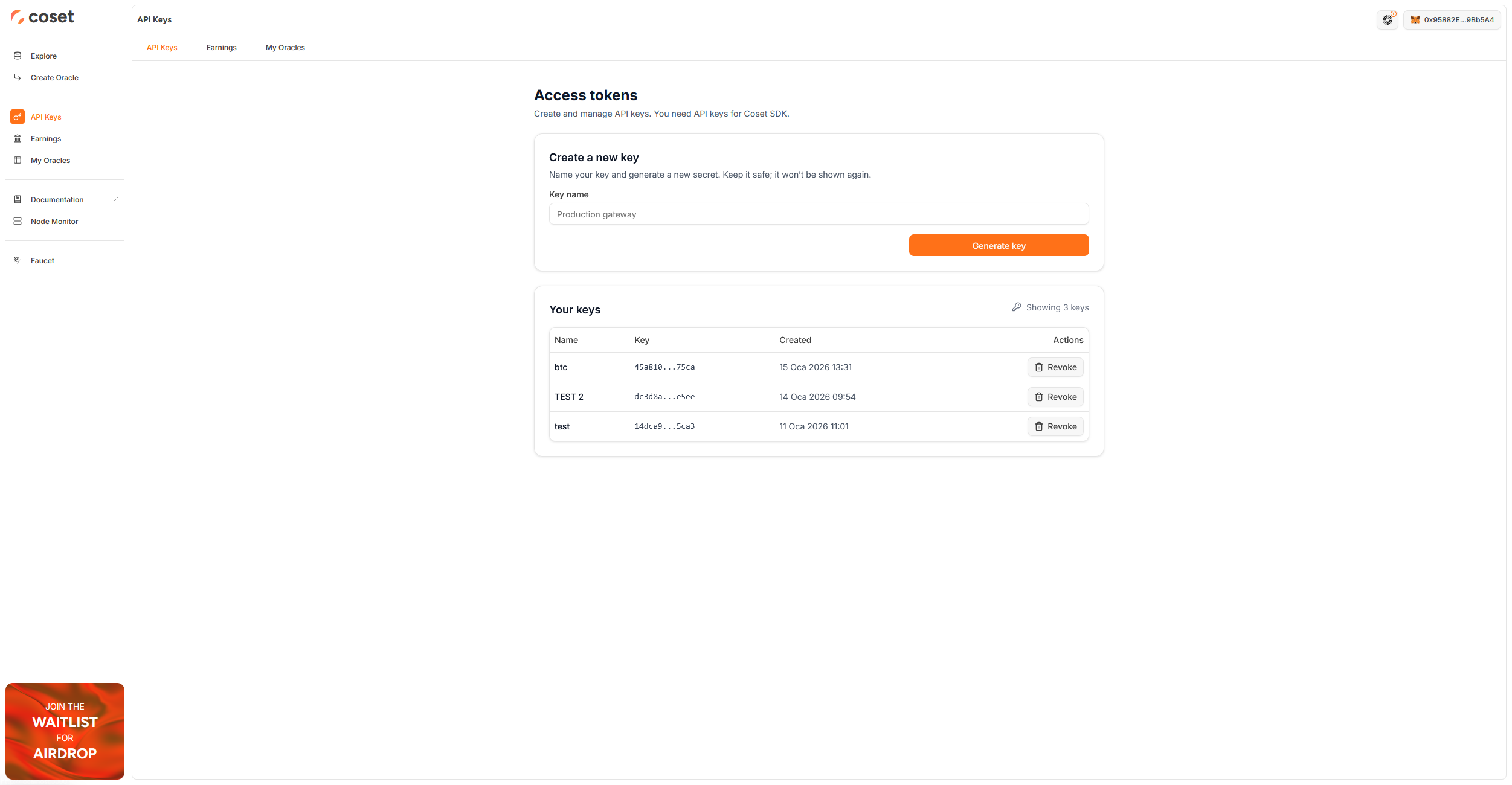
To learn how to implement this access token, you can check out this simple example (opens in a new tab).
Developers can simply get their access tokens from Coset Web App (opens in a new tab) and add a middleware to their API route.
An example middleware would look like:
// Coset auth middleware
function auth(req: express.Request, res: express.Response, next: express.NextFunction) {
    const accessToken = req.headers["Authorization"] || req.headers["authorization"];

    if (accessToken !== `Bearer ${process.env.COSET_ACCESS_TOKEN}`) {
        return res.status(401).json({ message: "Unauthorized" });
    }

    next();
}
A full example is:
import cors from "cors";
import dotenv from "dotenv";
import { createServer } from "http";
import express, { type Application } from "express";

dotenv.config();

const app: Application = express();
const server = createServer(app);

app.set("trust proxy", 1);
app.use(cors({ origin: "*" }));
app.use(express.json());

if (!process.env.COSET_ACCESS_TOKEN) {
    console.error("Please set COSET_ACCESS_TOKEN in environment variables.");
    process.exit(1);
}

// Coset auth middleware
function auth(req: express.Request, res: express.Response, next: express.NextFunction) {
    const accessToken = req.headers["Authorization"] || req.headers["authorization"];

    if (accessToken !== `Bearer ${process.env.COSET_ACCESS_TOKEN}`) {
        return res.status(401).json({ message: "Unauthorized" });
    }

    next();
}

// BTC price endpoint
app.get("/data", auth, async (req, res) => {
    console.log("Received request for BTC price", req.query);

    try {
        const isTest = req.query?.test === "true";
        const btcResponse = await fetch("https://api.coinpaprika.com/v1/tickers/btc-bitcoin");
        const btcData = await btcResponse.json();

        res.json({ price: btcData.quotes.USD.price });
    } catch (error) {
        console.error("Error fetching BTC price:", error);
        res.status(500).json({ message: "Internal server error" });
    }
});

const PORT = "5005";
server.listen(PORT, () => console.log(`Server is running on port ${PORT}`));